A Guide Beyond Space
A downloadable project for Windows, macOS, and Android
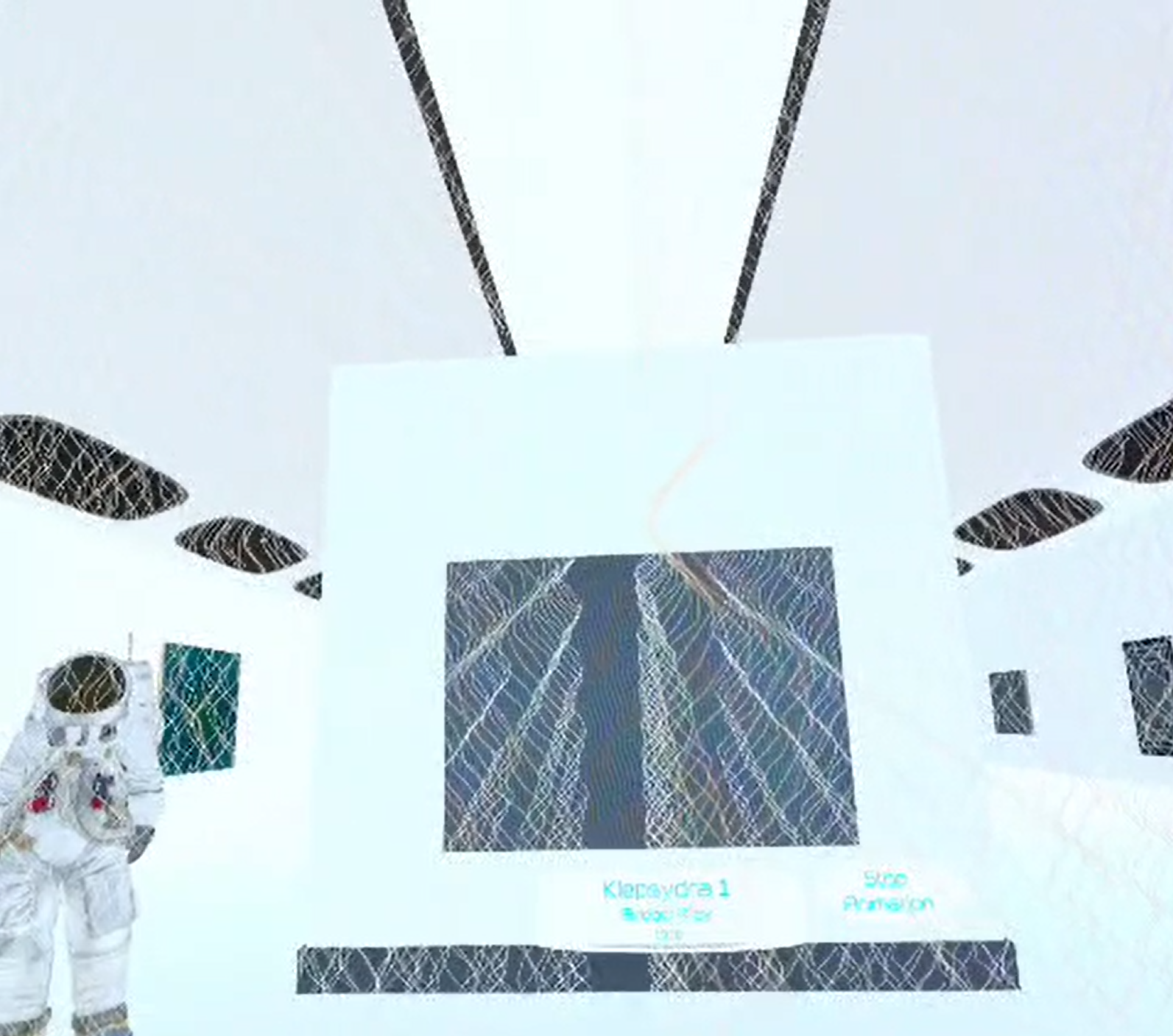
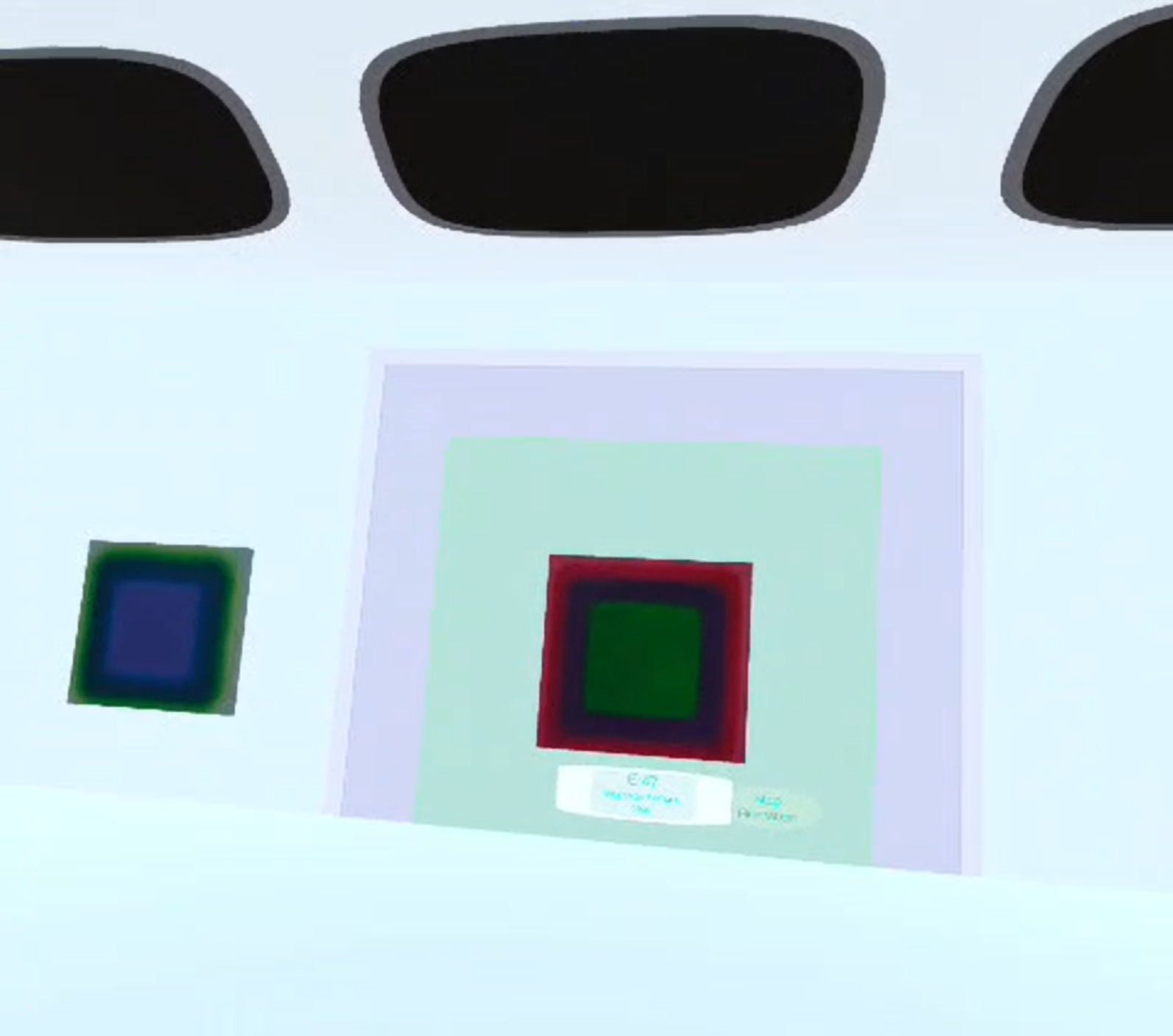
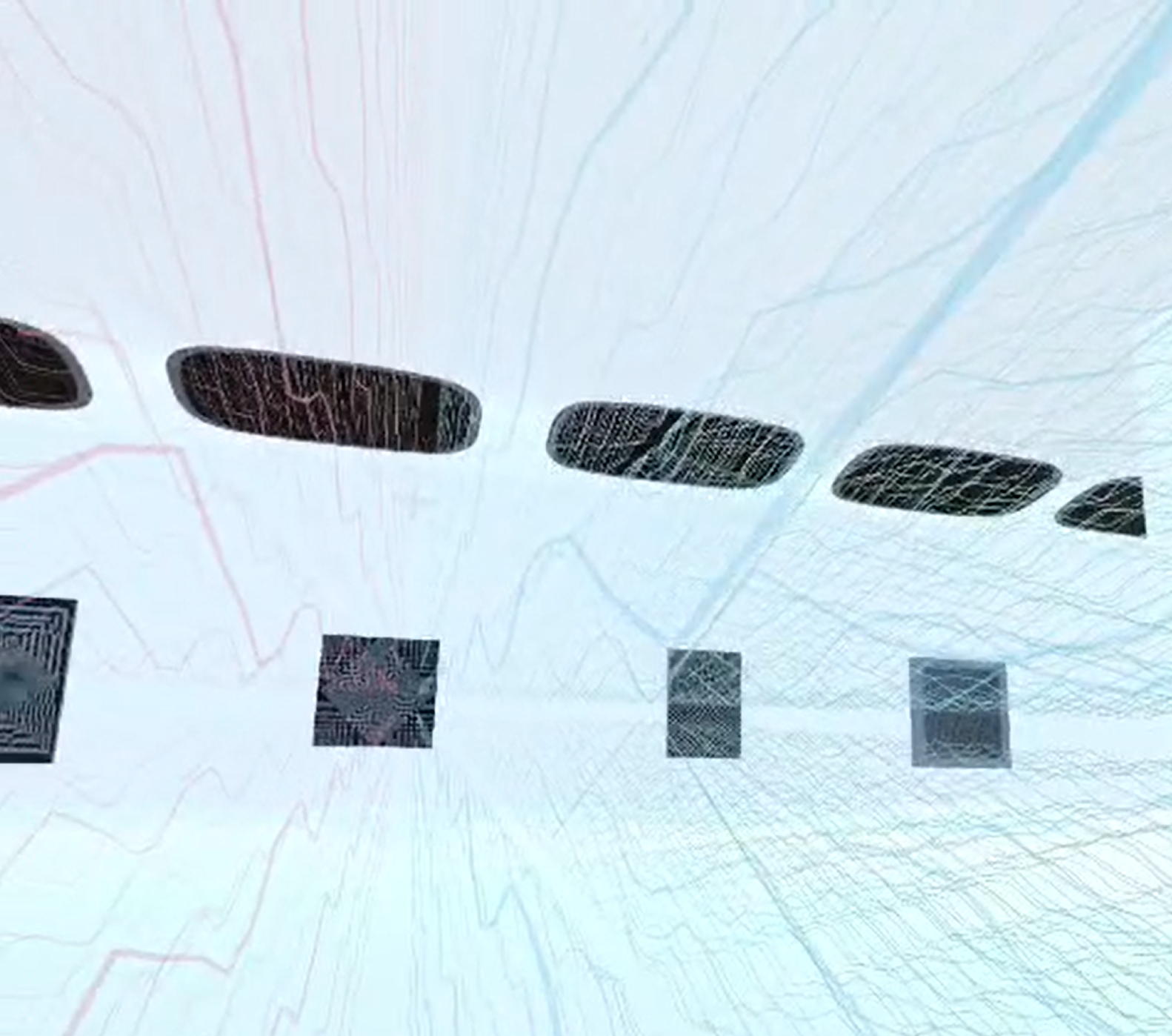
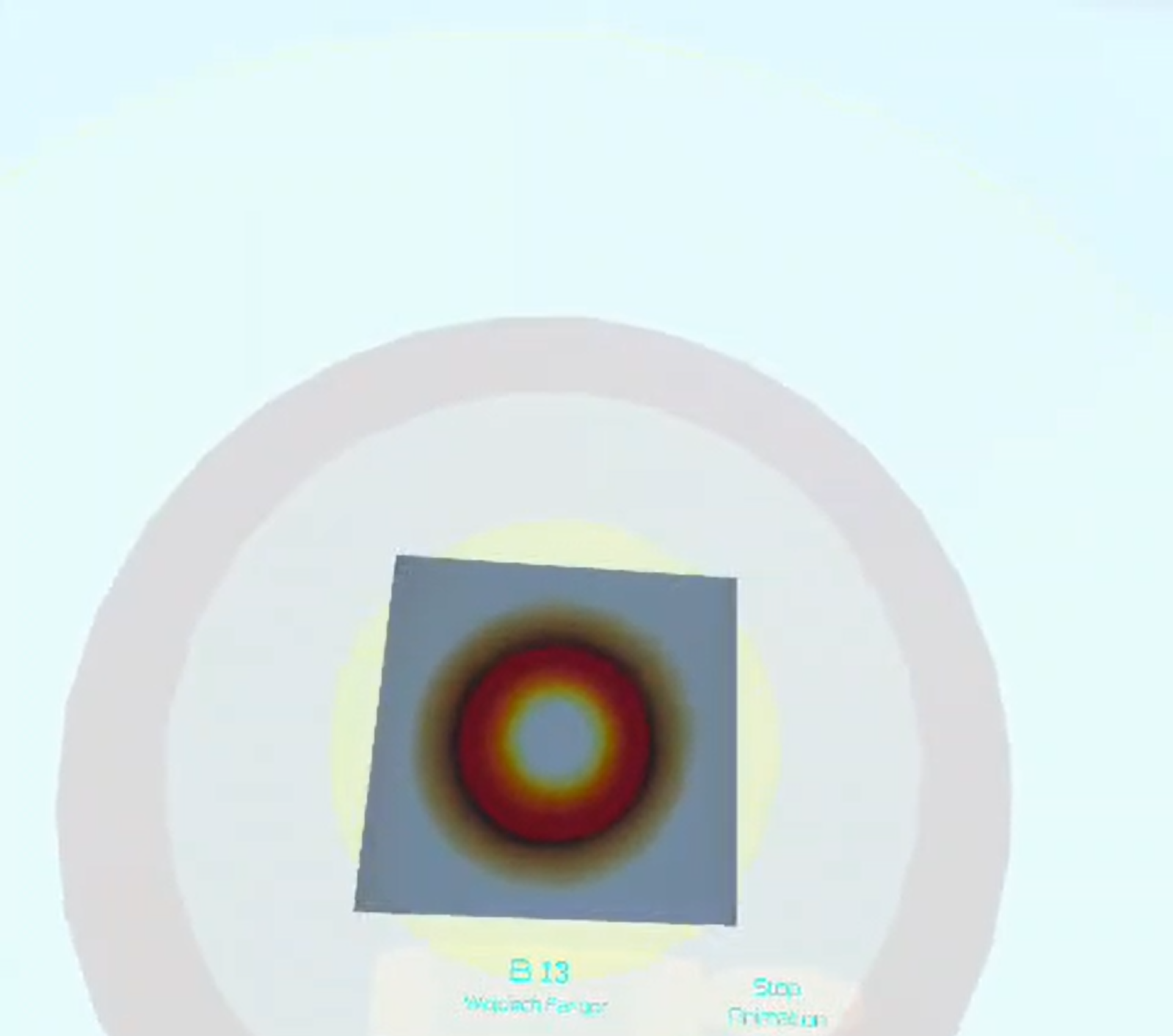
A Guide Beyond Space is an interactive art experience exploring geometric abstraction, optical illusion, and shifting perception. Originally conceived as an XR project, it is presented here in multiple downloadable builds, including Windows, macOS, and Meta Quest.
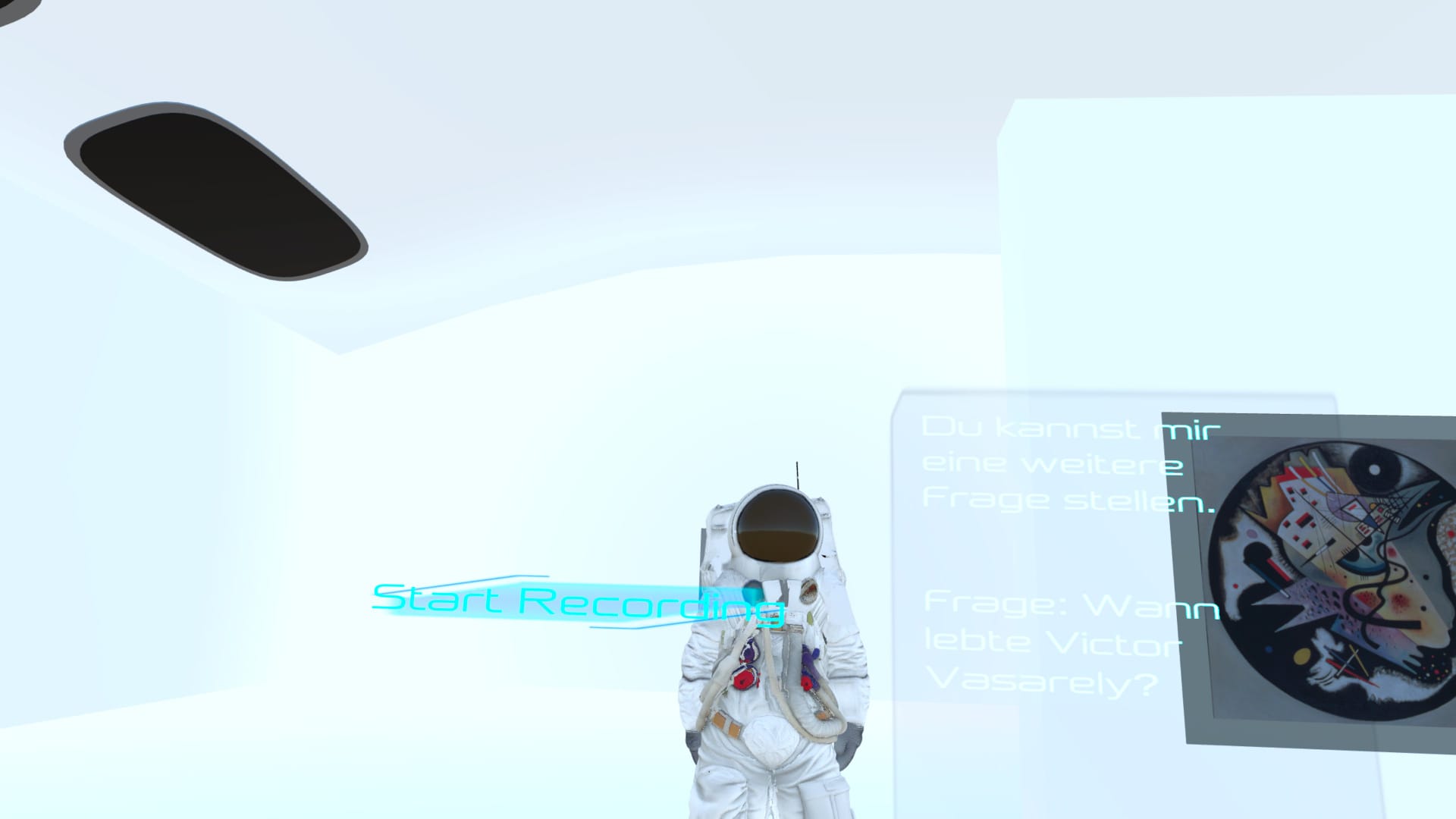
Set within a stylized, museum-inspired environment, the experience draws on the visual worlds of Wassily Kandinsky, Op Art, and Space Age culture. Artworks are not approached as static objects, but as dynamic perceptual spaces shaped by color, form, rhythm, and movement.
Across its different builds, A Guide Beyond Space invites players into a reflective journey through abstract art while asking how digital environments can deepen the way we see, feel, and interpret visual space. Whether experienced on desktop or in XR, the project centers on immersion, interaction, and dialogue with art.
Controls / Input Actions
The Windows and macOS builds use desktop controls adapted from the project’s original XR interaction design.
WASD / Arrow Keys — Move through the environment
Hold Right Mouse Button — Look around / rotate the camera
Left Mouse Button — Interact with artworks, UI elements, and the tour guide
Spacebar — Skip the current sequence
C — Open conversation mode
R — Start voice recording
T — Stop voice recording
Esc — Close conversation mode
How the Input Is Used
The desktop input system translates an originally immersive XR experience into a non-VR format while preserving its interactive structure. Movement and camera controls allow the player to navigate the virtual exhibition space freely, echoing the exploratory movement of the XR version. Mouse interaction replaces direct XR pointing and selection, making artworks, interface elements, and guided interactions accessible in the desktop builds.
The conversation and recording controls support spoken interaction with the experience. Players can open conversation mode, record a spoken question, and stop the recording to trigger a response. In this way, the desktop versions preserve one of the project’s central ideas: engaging with the exhibition not only visually, but also through dialogue.
Download
Leave a comment
Log in with itch.io to leave a comment.